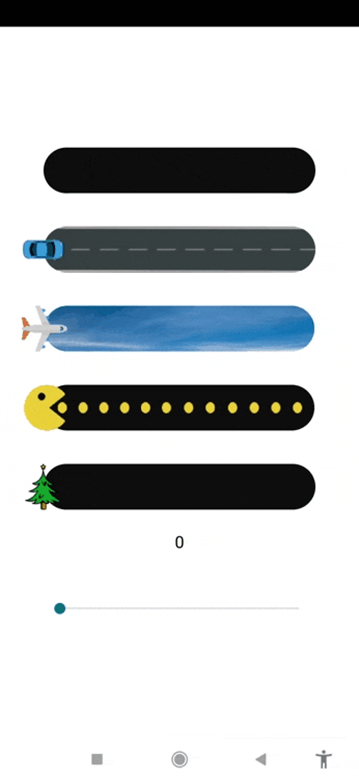
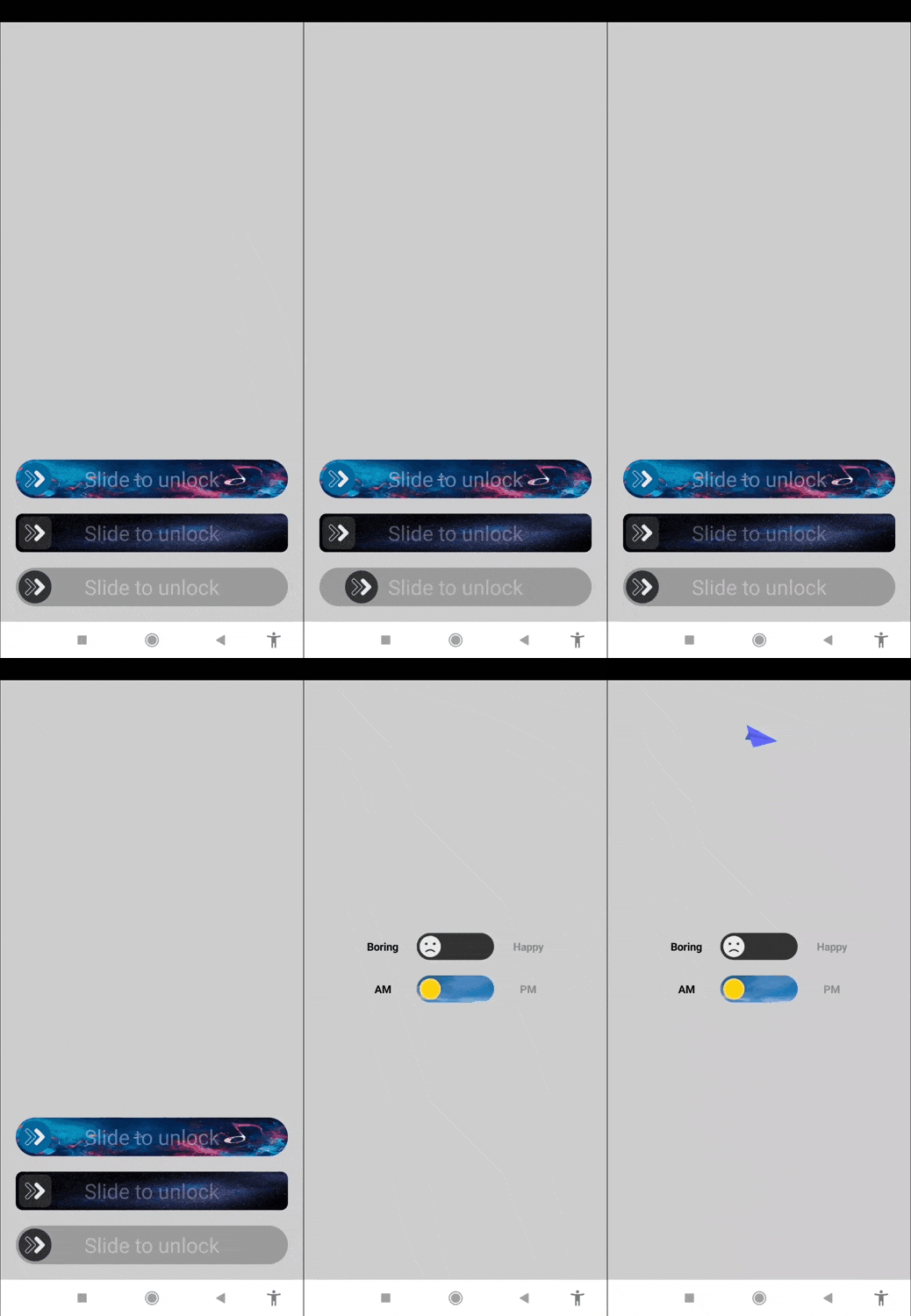
创建一个 “Unlock” 滑块按钮。
您可以完全自定义颜色、背景图像、缩略图颜色和图标以及圆角半径。它还包括添加文本的选项,当 Thumb 经过它时,这些文本会淡出。
功能ᅠ
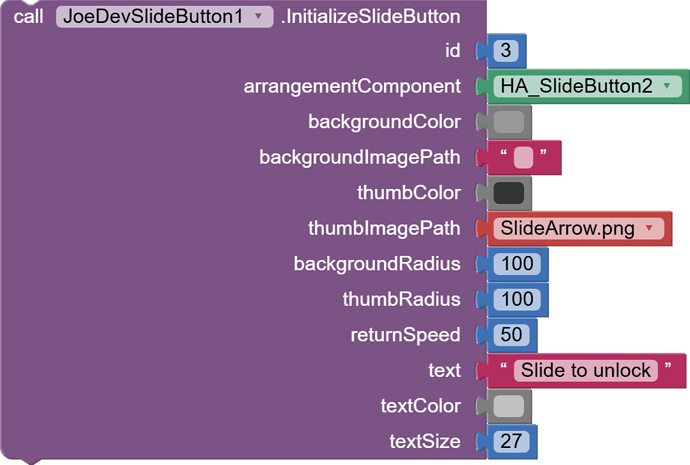
InitializeSlideButton
使用您需要的外观初始化滑块按钮。
id:唯一标识符。arrangementComponent:显示滑块按钮的排列方式。backgroundColor:滑块按钮的背景颜色。backgroundImagePath:Assets 中的背景图像路径。thumbColor:拇指的颜色。thumbImagePath:Assets 中 Thumb 图像的路径。backgroundRadius:背景圆角半径。thumbRadius:拇指角的半径。returnSpeed:松开拇指时拇指的返回速度。text:在后台显示的可选文本。textColor:文本的颜色。textSize:文本的大小。

GetIsChecked
获取滑块按钮的当前状态(无论它是否处于激活位置)。
id:滑块按钮的标识符。
如果按钮已激活,则返回:true,否则返回 false。
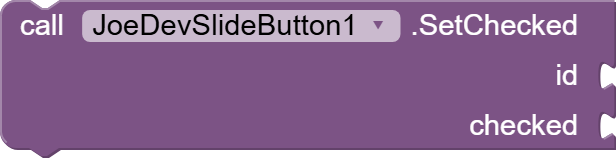
SetChecked
Sets the state of the slider button, activated or deactivated.
id: Identifier of the slider button.checked: to activate the button, to deactivate it.truefalse
ᅠ活动ᅠ
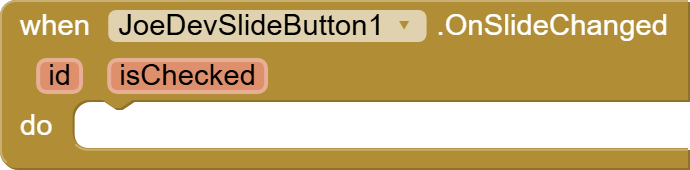
OnSlideChanged
当滑块按钮更改其状态(打开或关闭)时触发。
id:滑块按钮的标识符。isChecked:如果按钮处于打开状态,则为关闭状态。truefalse
© 版权声明
文章版权归作者所有,未经允许请勿转载。
THE END